Old portraits
Give a faded or softly focused face another look, without starting from scratch in a photo editor.
Old photos. Familiar faces. Memories worth keeping.
Bring faded portraits and treasured family photos back into focus. Upload a photo, restore it, and compare the before and after.
Sign in with Google to try a free restoration. No payment required.
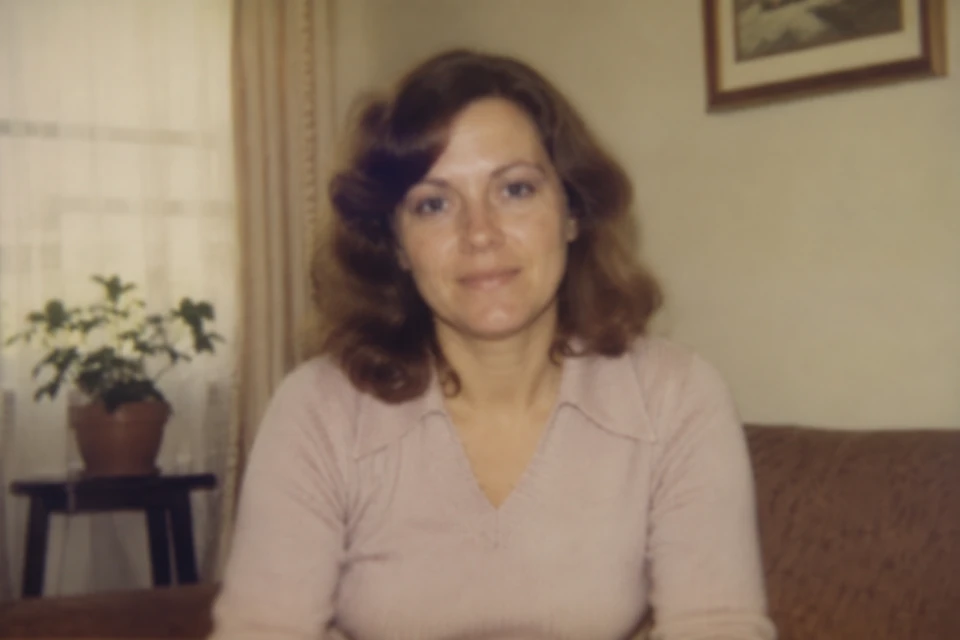
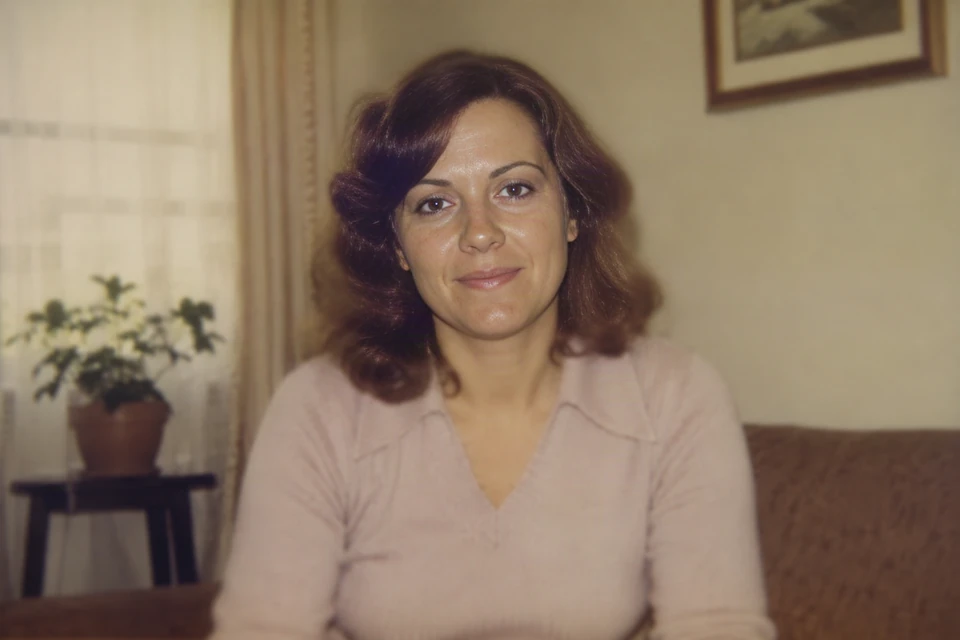 BeforeAfter
Drag the line to compare · Use arrow keys when focused
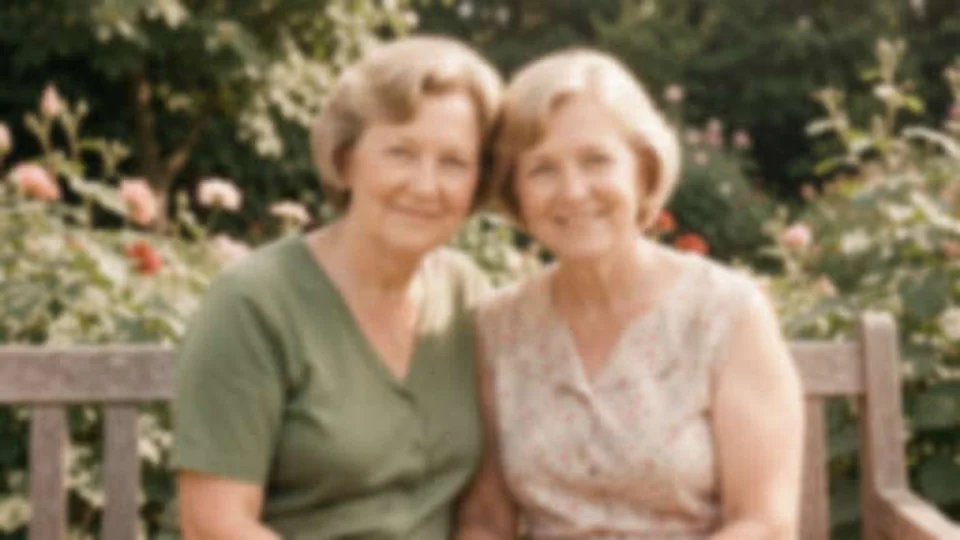
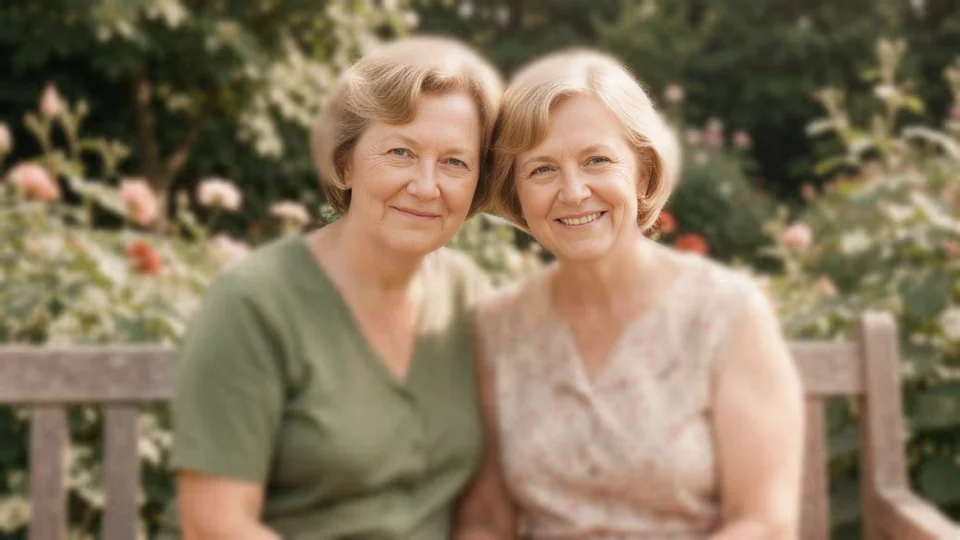 BeforeAfter
Drag the line to compare · Use arrow keys when focused
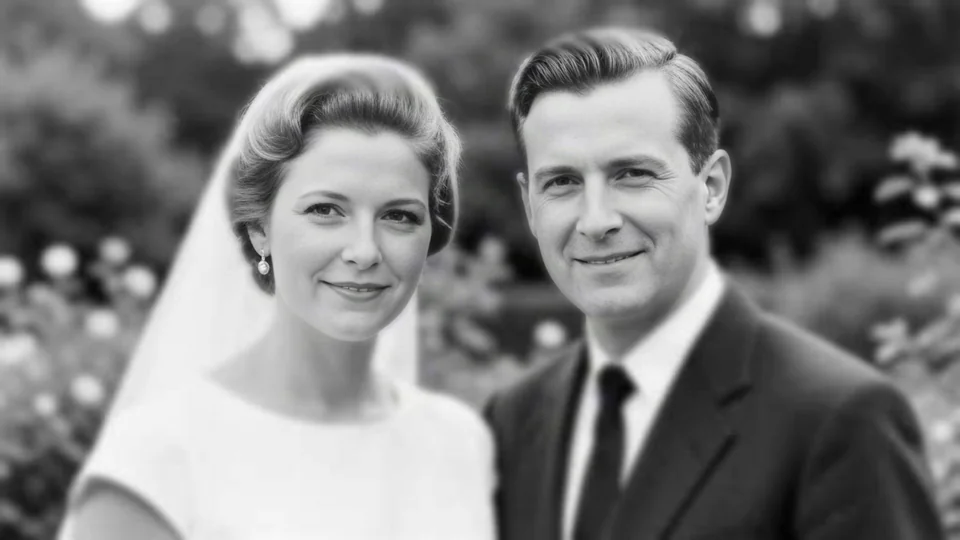 BeforeAfter
Drag the line to compare · Use arrow keys when focused
AI restoration may reconstruct missing details and may not perfectly reproduce the original photo.
Give a faded or softly focused face another look, without starting from scratch in a photo editor.
Revisit wedding portraits, childhood snapshots, and the people in your family album.
Compare the result, save the version you like, and share a familiar face with someone who remembers.
RestorePhoto is a face photo restorer built for old portraits and family photos where facial clarity matters most. Its AI face restoration process helps restore blurry faces and improve softly focused or faded facial details while keeping the original photo available for comparison. Use it for wedding portraits, childhood snapshots, scanned album photos, and other memories centered on recognizable people. Results can vary, and AI may reconstruct details that were not visible in the source. RestorePhoto focuses on face restoration and clarity; it does not currently offer scratch repair, tear reconstruction, or photo colorization.
Choose a JPG, PNG, or WebP photo. Sign in with Google to try it free.
Confirm your photo. 1 photo = 1 restoration.
Compare your original and result, then download the photo you want to keep.
Yes. Sign in with Google for one free restoration, available again 30 days after your successful result becomes available. No payment required.
AI can change facial details. Compare the result with your original and keep the version you like.
JPG, PNG or WebP · Max 20 MB
Photo access expires 24 hours after upload. Deletion may take longer; see Privacy for details.
Failed restorations are not charged and do not use your free restoration. If a photo is still processing, check its status before trying again.
See where AI helps, where it guesses, and what to check in a restored portrait.
Read the guide →FIELD NOTESPrepare family portraits and wedding photos, then review every face in the result.
Read the guide →FIELD NOTESProtect the original, capture the detail, and prepare a separate working copy.
Read the guide →Choose a one-time pack or a monthly subscription.
$2.99 one-time
30 restorations
$5.99 one-time
75 restorations
$9.99 one-time
150 restorations
$5.99 per month
100 restorations/month
$14.99 per month
300 restorations/month
1 photo = 1 restoration. Failed restorations are not charged.
Compare plans